Blog Conversion outcome
A blog conversion should create an editing workflow, not just copied article pages.
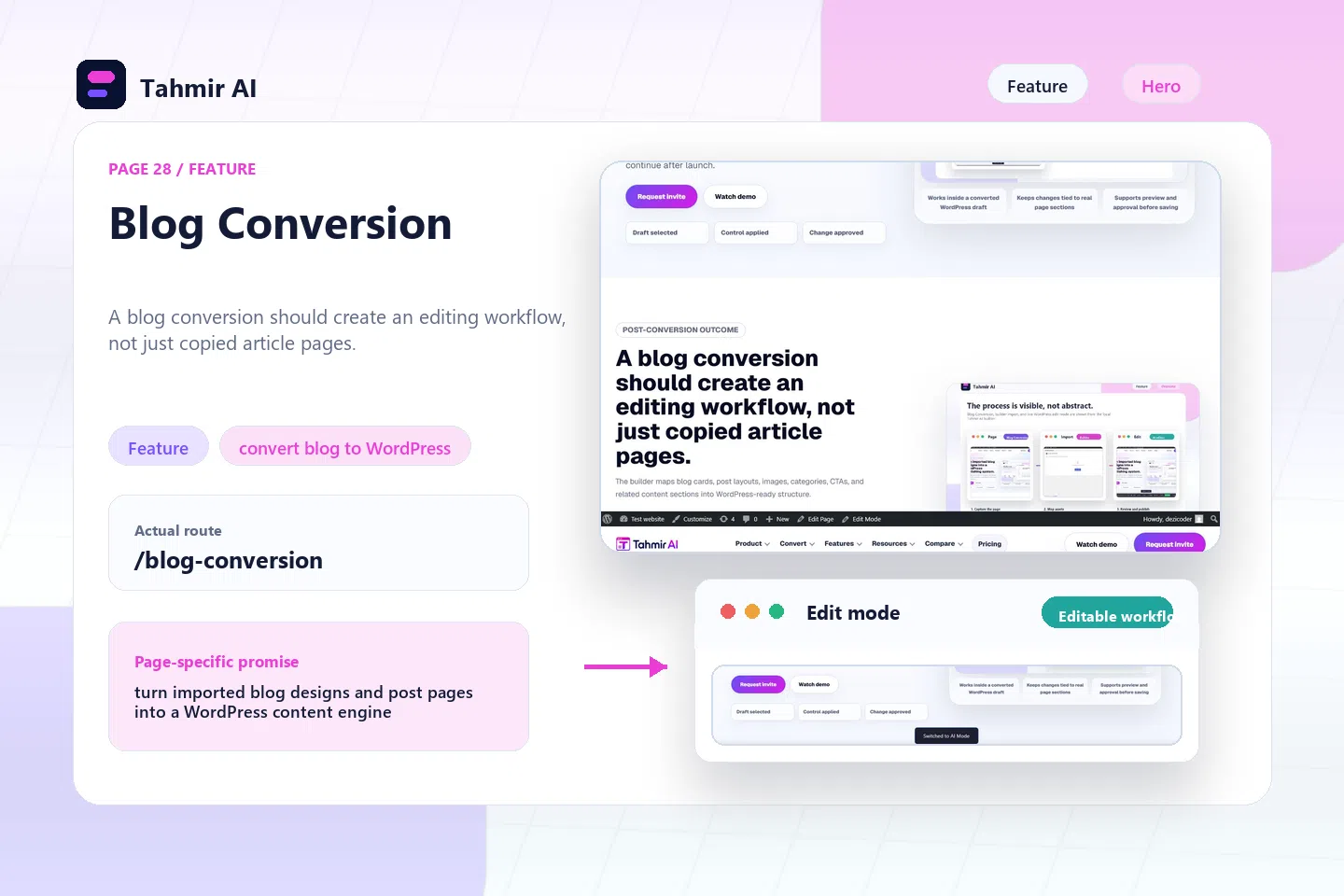

Builder control / convert blog to WordPress
Tahmir AI helps teams move static blog layouts, article pages, cards, and content templates into WordPress so publishing can continue after launch.
Direct answer
Blog Conversion helps teams manage a converted WordPress draft after import, so the page can be reviewed, edited, checked, and handed off with clearer control.
Proof to look for
This feature matters when a site needs ongoing content, not just a one-time page import.
| Source | Result | What to inspect |
|---|---|---|
| Converted draft | Blog Conversion | A blog conversion should create an editing workflow, not just copied article pages. |
| Builder surface | WordPress control | The builder maps blog cards, post layouts, images, categories, CTAs, and related content sections into WordPress-ready structure. |
| Human approval | Launch review | Teams review SEO fields, post templates, images, internal links, and editorial update paths. |
Post-conversion outcome
The builder maps blog cards, post layouts, images, categories, CTAs, and related content sections into WordPress-ready structure.
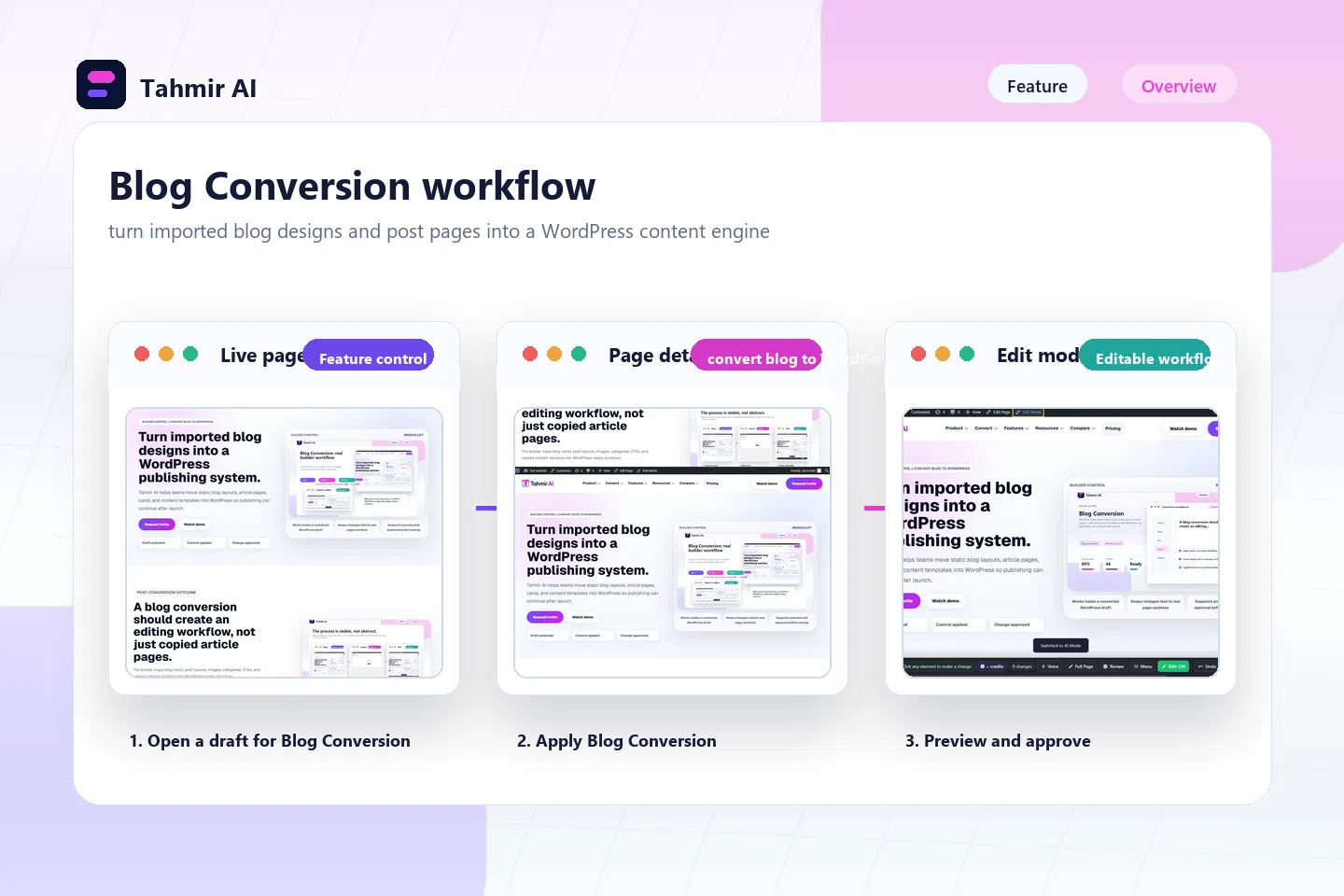
Inside the builder
A blog conversion should create an editing workflow, not just copied article pages.
The builder maps blog cards, post layouts, images, categories, CTAs, and related content sections into WordPress-ready structure.
Teams review SEO fields, post templates, images, internal links, and editorial update paths.

This feature matters when a site needs ongoing content, not just a one-time page import.
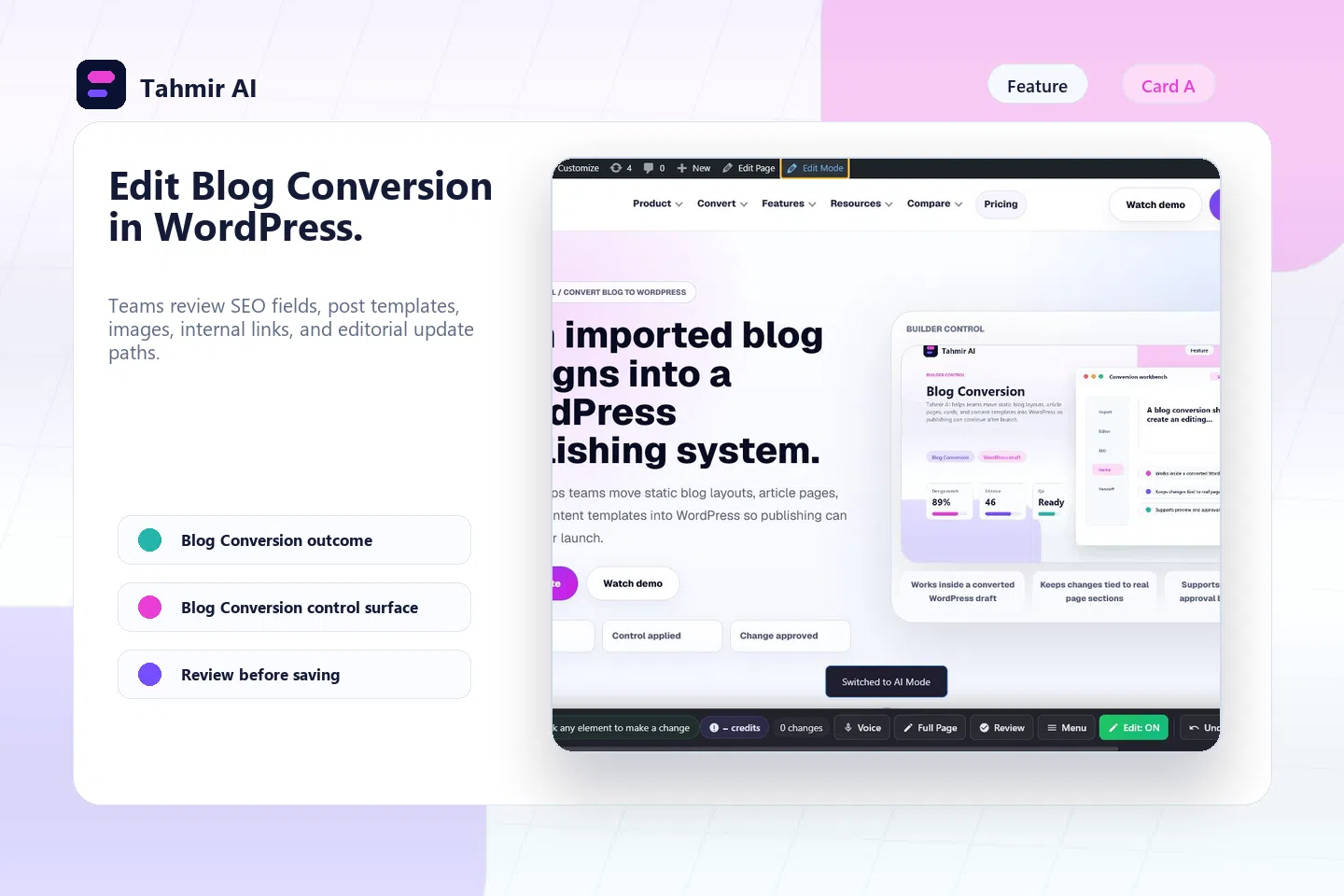
Workflow
Use Blog Conversion after the builder has already created an editable WordPress draft from an approved source.
The builder maps blog cards, post layouts, images, categories, CTAs, and related content sections into WordPress-ready structure.
Teams review SEO fields, post templates, images, internal links, and editorial update paths.
This feature matters when a site needs ongoing content, not just a one-time page import.
Convert one blog index and one article page before scaling the content library.
Post-conversion outcome
Teams review SEO fields, post templates, images, internal links, and editorial update paths.
A blog conversion should create an editing workflow, not just copied article pages.
The builder maps blog cards, post layouts, images, categories, CTAs, and related content sections into WordPress-ready structure.
Teams review SEO fields, post templates, images, internal links, and editorial update paths.
Control proof
This feature matters when a site needs ongoing content, not just a one-time page import.
Control review
A blog conversion should create an editing workflow, not just copied article pages.
The builder maps blog cards, post layouts, images, categories, CTAs, and related content sections into WordPress-ready structure.
Teams review SEO fields, post templates, images, internal links, and editorial update paths.
This feature matters when a site needs ongoing content, not just a one-time page import.
Limitations
A blog conversion should create an editing workflow, not just copied article pages.
The builder maps blog cards, post layouts, images, categories, CTAs, and related content sections into WordPress-ready structure.
Teams review SEO fields, post templates, images, internal links, and editorial update paths.
Convert one blog index and one article page before scaling the content library.
FAQ
A blog conversion should create an editing workflow, not just copied article pages.
The builder maps blog cards, post layouts, images, categories, CTAs, and related content sections into WordPress-ready structure.
Teams review SEO fields, post templates, images, internal links, and editorial update paths.
Convert one blog index and one article page before scaling the content library.
Next steps
Use Webflow to WordPress to choose the next source path, compare the decision in prepare pages for SEO and AI search, and validate the builder flow with Resources. When launch is closer, review Create a Blog From Imported Design and watch real conversion demos.
Invite access
Use Blog Conversion on a converted draft so the team can see how the control behaves on real page content.